STRATEGIC PLANNING FOR CLOUD APPLICATIONS
Webapper Shared Tips & Resources
Save time, deliver better customer experiences, and maximize your technology investment.
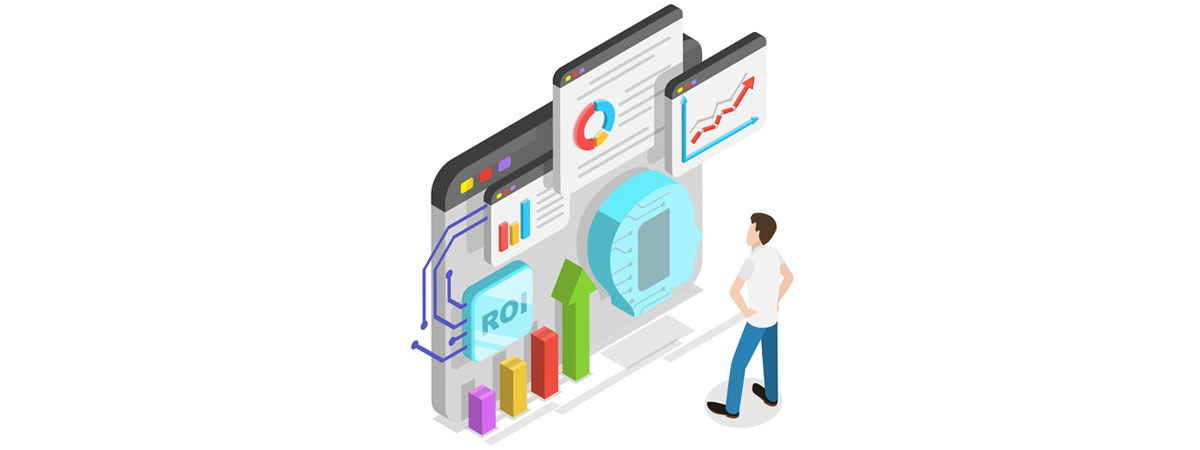
Can Your AI SaaS Scale Profitably?
Can your AI SaaS scale profitably or will inference costs erode your margins as usage grows? We break down the architectural decisions that determine whether AI becomes a revenue driver or a cost center.

AI SaaS Onboarding
Most SaaS onboarding flows are built for features, not outcomes, leading to low activation and early churn. AI SaaS onboarding agents flip the model by observing user intent, removing friction in real time, and guiding users to value faster.

Stop Treating SaaS Hosting Migration as a Project
SaaS hosting migration isn’t a one-time project. It’s a capability... Learn how to reduce costs, improve agility, and stay ready for the next infrastructure shift without starting from scratch.

SaaS Modernization in 2026
Legacy SaaS modernization is one of the hardest product decisions a team can make. Here’s how product leaders can rewrite a SaaS platform without slowing growth, hurting activation, or losing momentum.

SaaS Feature Sprawl
Most SaaS products at $1M–$20M ARR carry 2–5x more features than customers use. Here’s how feature sprawl slows growth and how to start removing it safely.

The Great SaaS Monolith Reckoning
Your SaaS monolith isn’t broken. But it is slowing you down. Here’s how founders at $1M–$20M ARR recognize the inflection point and fix it without a rewrite.

Why AI SaaS Churn is Spiking
AI SaaS churn is rising as CEOs face a hard truth: if your product doesn’t prove value within 60–90 days, it won’t renew. Here’s how SaaS leaders can fix time-to-value before it hits revenue.

AI SaaS Disruption Is Real
The AI SaaS disruption is the beginning of a faster, smarter era in software. For founders and dev leaders, the real shift is economic. AI is repricing value, collapsing per-seat models, and rewarding platforms with data density and trust built in.

Rethink Your AI SaaS Product Roadmap
Most SaaS product roadmaps aren’t strategies. They’re wish lists with deadlines. In the AI era, execution is easy; judgment is hard. Let's explore why focus and disciplined trade-offs matter more than ever, illustrated by CloudSee Drive’s Fast Buckets.
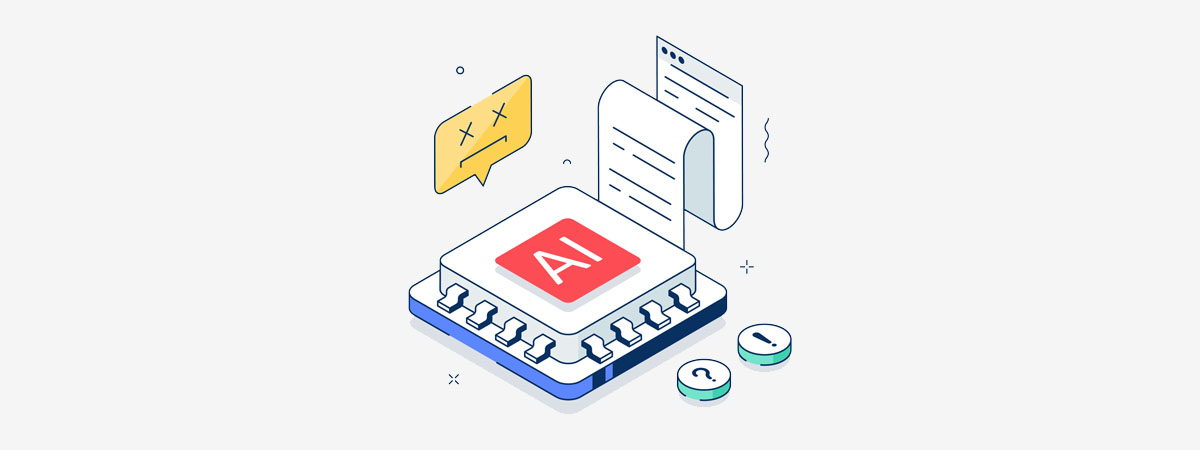
SaaS AI Hallucinations
AI hallucinations in SaaS are no longer a theoretical problem. They’re an operational and legal risk. Learn who owns the output, why regulated industries are most exposed, and what buyers should ask before renewal.

Need Strategic Planning for Cloud Applications?